
quick turn PCB Assembly
Quick Turn PCB Assembly Services
Need PCB assembly services in a jiffy?
Precision Tech provides Quick Turn PCB Assembly within 24 to 48 hours with kitted parts on consignment and or Full Turnkey Assembly when you need it Fast.
Get a Free Quote
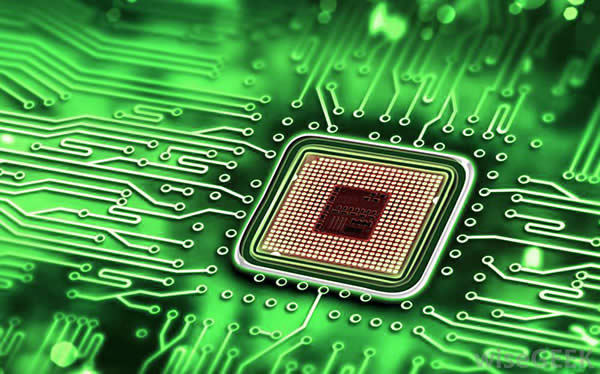
Electronic Assembly Capabilities
Our electronic assembly capabilities include machines placed SMT, THT, BGA and Micro-BGAs, in addition to mixed technology PCB assembly. Keeping on the forefront of component requirements, we offer surface mount placement down to 12 mil pitch, with a component range of 0201 to 52 mm square QFPs and BGAs.
What you need to send us to get an accurate quote
Get a quick quote now by sending in a bill of material, gerber files in 274-X format including assembly drawing and we will have a quotation back to you within hours. At Precision Technologies there is never a hidden cost and our prices are extremely competitive and reasonable.
Please call 1-888-228-9440 or send us your quote information via email!